



12 items | 31 visits

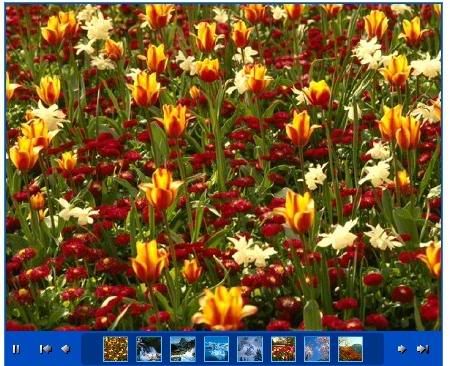
Flash Slideshow Maker is an ultra slide show Flash tools that helps you display photo album and slideshows on your own web site. With dozens of preset themes, you can easily make XML driven photo galleries for website. Flash Slideshow Maker is a template based Flash authoring tool, you don’t need to know anything about XML or FLASH coding, there are only three simple steps to build a Flash photo slideshow. Each template can be customized, so the slideshow can easily be styled to match your own website design.
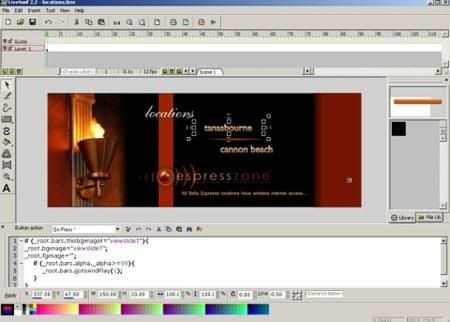
LiveSwif Lite 2 is a free Flash maker that lets you create Flash movies, buttons, or banners quickly and easily. It provides several classic vector-drawing tools, including Freehand, Curve, Shape, Spline, Contour, and an in-place text editor. LiveSwif is a typical, keyframe-based animation system. Based on the capability of drawing tools, it provides a path-motion and transform-motion tool. In setting a new position, angle, size, or color in keyframes, LiveSwif will blend the in-between frames automatically. The setup package contains 500 library components.
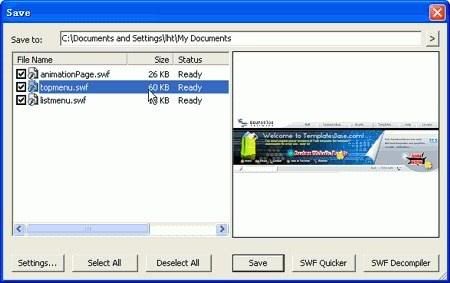
Sothink SWF Catcher for IE is a free and useful extension to Internet Explorer that enables you to save multiple Flash based charts, presentations, e-cards, games and Flash movies in it at one time. The small size allows it embedding in IE by just adding a new button. With only few clicks you can store your favorite Flashes easily.
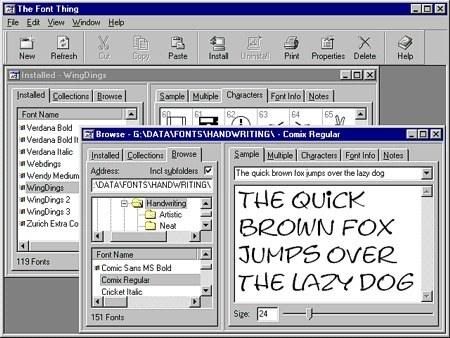
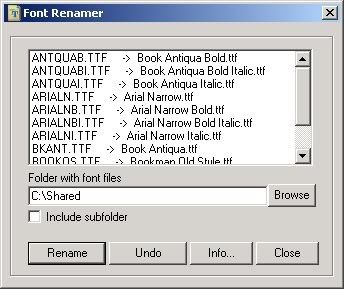
Browse installed and uninstalled TrueType fonts, viewing sample text, individual characters, and detailed font information. Easy font-management functions let you install, uninstall, print, copy, or delete any number of fonts at once. You can even store your own notes with them, filter them according to type (serif, sans serif, and so on), and group them into collections for convenience. This version lets you choose your font colors, set up drop-down lists of standard text samples, rename font files to avoid conflicts, and load fonts temporarily for use without installing them.
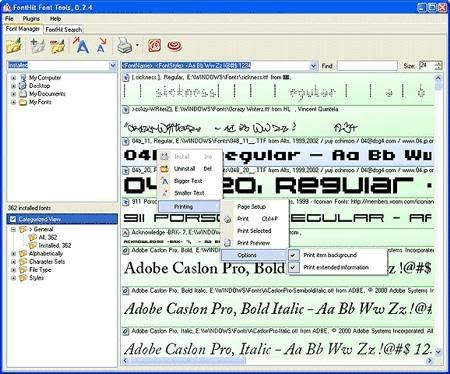
FontHit Font Tools is a manager that allows you view, preview, install, uninstall, print in color, customize size and text of the previews, browse your hard drive for fonts, create your own folders that you can drag fonts into, convenient and automatic categorization, drag-n-drop to add font files (even folders and zip files with fonts) to the preview list, and character map. You can also search the Web for fonts and font-related Web pages
12 items | 31 visits
- MizzG Gibson on 2008-02-15