Diigolet
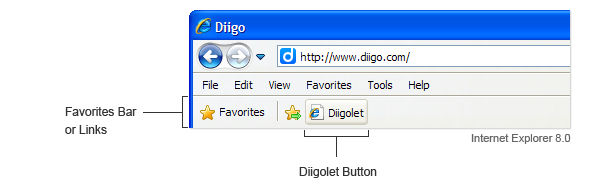
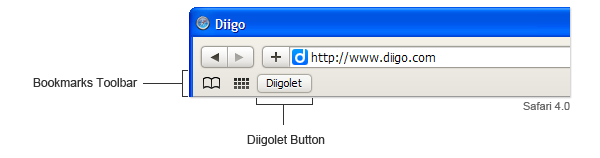
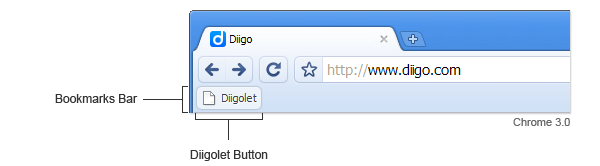
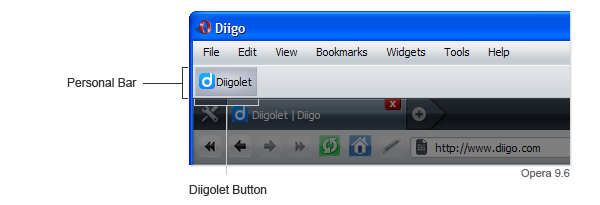
Diigolet is not as feature-rich as the Diigo toolbar, but it can be set-up by simple drag-and-drop - no download or installation needed, and it works for all major browsers. Much more powerful than bookmarklets offered by other social bookmarking sites, Diigolet is a "super bookmarklet" that allows you to highlight and add sticky-notes, in addition to simple bookmarking.
You can get started by watching a tutorial video.
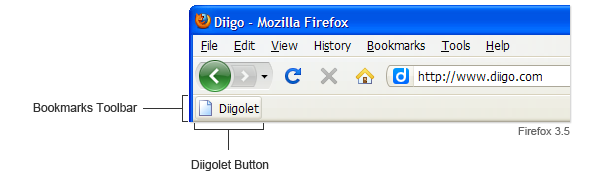
Firefox
- Make sure the "Bookmarks Toolbar" is visible. If it is not, go to menu View > Toolbars.
- Drag this button: Diigolet up to your Bookmarks Toolbar.