
This link has been bookmarked by 44 people . It was first bookmarked on 01 Feb 2009, by boxeur -.
-
25 Feb 14
-
02 Sep 13
-
06 Jan 13
-
15 Dec 11
-
26 Jul 11
-
26 May 11
-
02 Mar 11
-
08 Oct 10
-
15 Feb 10
-
30 Jan 10
-
22 Nov 09
-
30 Sep 09
-
23 Aug 09
-
19 Jun 09
-
Follow these steps to disable music syncing with iTunes so that it does not interfere with any music synchronized with MediaMonkey, and also to allow you to freely update pictures and/or video files.
-
-
05 Apr 09
-
01 Feb 09
-
MediaMonkey version 3.0.3.1183 or later
-
iTunes version 7.6 or later, with Quicktime (or Quicktime lite)
-
Bring up the iTunes preferences under Edit -> Preferences, and go to the “Syncing” tab. Check “Disable automatic syncing for all iPhones and iPods”.
-

-
Next click on the "Playback" tab and disable Sound Check. This will prevent iTunes from modifying tracks on your iPhone and corrupting Album Art.
-
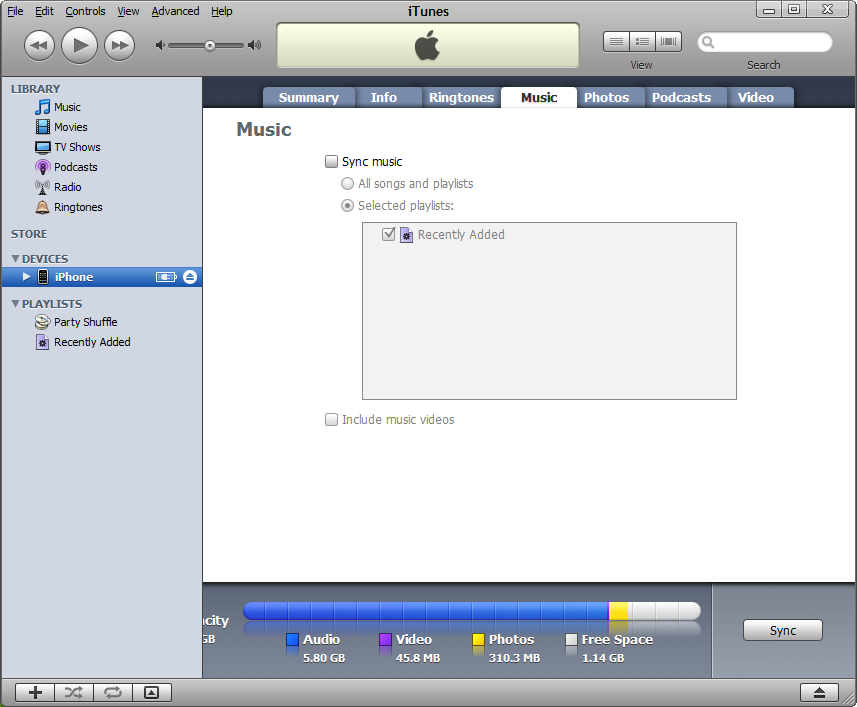
Uncheck “Sync music” as below
-
-
-
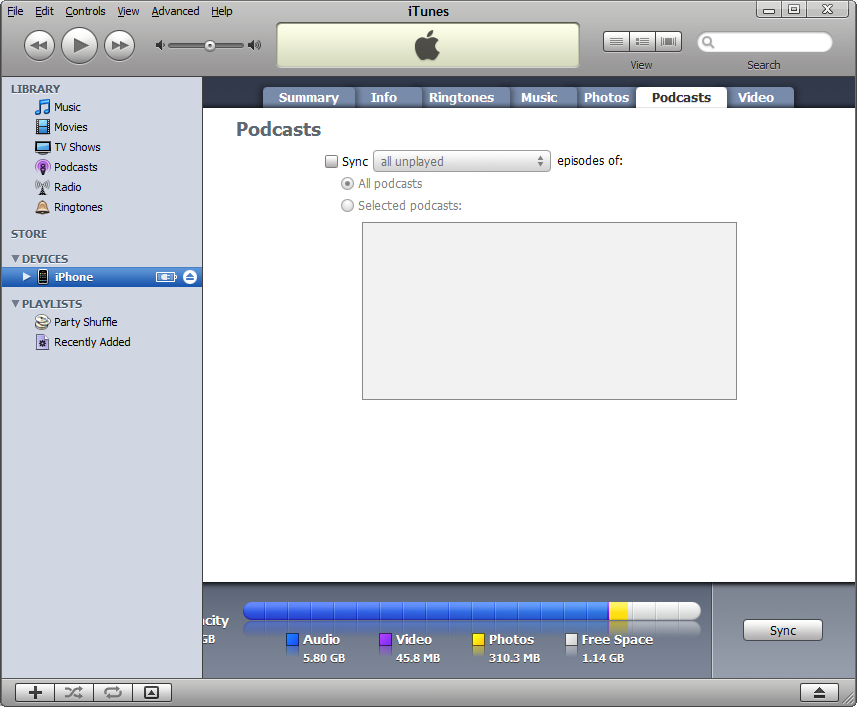
Uncheck “Sync all unplayed episodes of:” as below.
-
-
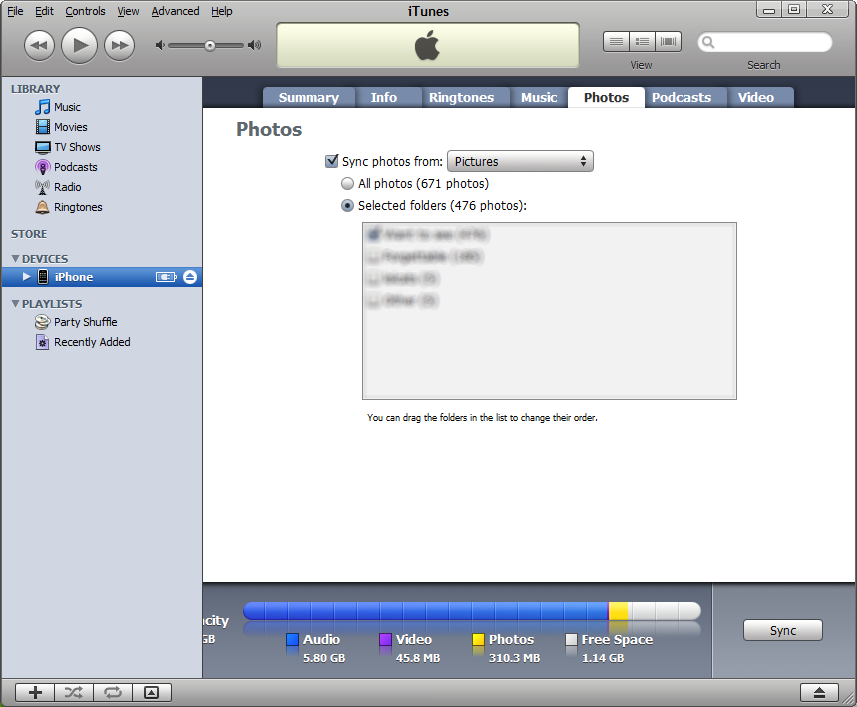
Uncheck the “Sync TV shows” and “Sync Videos”. Videos will have to be dragged from iTunes to the iPod entry in the tree on the left hand side of the iTunes screen.
-
-
09 Dec 08
-
04 Jul 08


Would you like to comment?
Join Diigo for a free account, or sign in if you are already a member.